
HIPAA Compliance for Telehealth Providers: The Complete 2026 Guide
Everything telehealth clinicians need to know about HIPAA compliance — platform BAAs, home office security, session recordings, multi-state practice, and the step-by-step path to full compliance after the end of COVID-era enforcement discretion.
Written and reviewed by the Patient Protect team — Joseph A. Perrin, CTO (federal infrastructure background, platform security architect), Angie Perrin, CSO (CHPC, 10+ years clinical practice), and Alexander Perrin, CEO (20 years enterprise SaaS, primary author of the Secure Care Research Institute research program). See editorial standards.
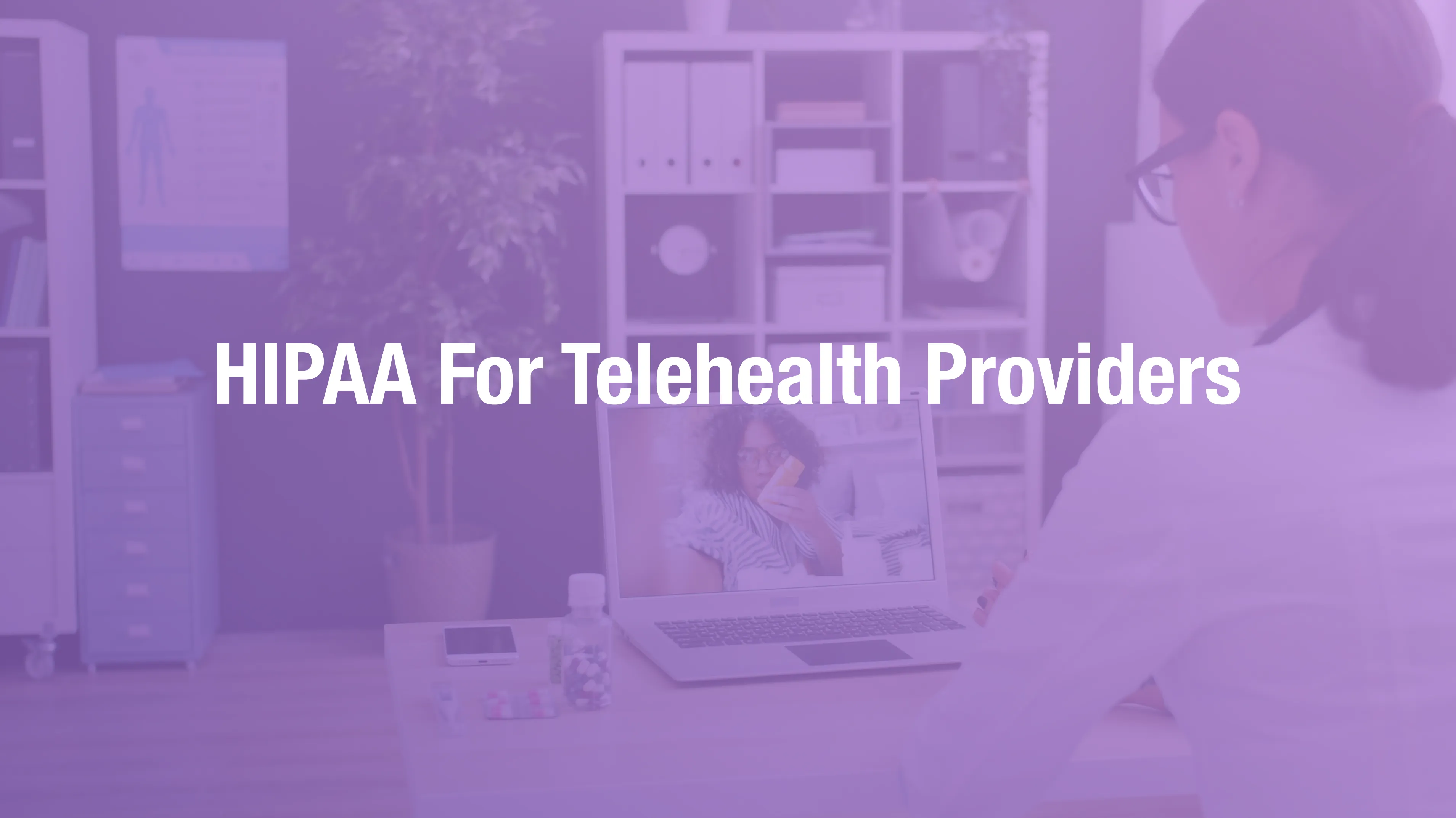
HIPAA Compliance for Telehealth Providers: The Complete 2026 Guide
Telehealth created a compliance emergency that the healthcare industry is still working through. During the COVID-19 public health emergency, OCR exercised enforcement discretion that temporarily permitted use of non-HIPAA-compliant video platforms for telehealth. That discretion ended May 11, 2023. Every telehealth session conducted since that date must comply with the full requirements of the HIPAA Security Rule, Privacy Rule, and Breach Notification Rule.
Many clinicians never made the transition. They are still using consumer video platforms without BAAs, storing session recordings in personal cloud storage, conducting sessions from home offices with unencrypted devices, and operating across state lines with no awareness of the state-specific privacy requirements layered on top of federal HIPAA.
This guide covers the complete telehealth compliance landscape in 2026 — what changed, what remains open, what OCR is actively auditing, and the step-by-step path to full compliance.
The Post-COVID Compliance Reality
The COVID-era enforcement discretion was clear in scope: OCR would "exercise its enforcement discretion and will not impose penalties for noncompliance with the regulatory requirements under the HIPAA Rules against covered health care providers in connection with the good faith provision of telehealth during the COVID-19 nationwide public health emergency."
When the public health emergency ended, the enforcement discretion ended with it. Clinicians who adopted consumer video platforms in 2020 and never transitioned to compliant alternatives are currently operating in violation — not prospectively, but now, with every session conducted.
OCR has signaled active enforcement interest in telehealth compliance. The combination of widespread adoption of non-compliant practices during the pandemic and the clear end of enforcement discretion creates a large population of providers who are out of compliance and may not know it.
The Telehealth Compliance Framework
Telehealth compliance under HIPAA requires more than a signed BAA with a video platform. The compliance framework covers the full environment in which telehealth is delivered.
The Platform Layer
Every telehealth platform used for clinical sessions must provide:
A signed Business Associate Agreement. The BAA must be executed — not just available. Many clinicians believe that selecting a healthcare-tier platform constitutes HIPAA compliance. It does not. The BAA must be signed by both parties before any clinical sessions are conducted.
End-to-end encryption. Video, audio, and any data transmitted during the session must be encrypted. The platform's encryption approach should be documented in or associated with the BAA.
Access controls. The platform should support waiting rooms, password-protected sessions, and controls that prevent unauthorized participants from joining.
Platform-by-platform BAA status:
Zoom for Healthcare: The standard and free Zoom plans do not include HIPAA-compliant configurations or BAAs. The Zoom for Healthcare plan includes BAA coverage and HIPAA-compliant configuration. If you use Zoom, you must be on the Healthcare plan with a signed BAA. Standard Zoom — regardless of how long you have used it — is not HIPAA-compliant for telehealth sessions involving ePHI.
Doxy.me: Built specifically for healthcare telehealth. Offers BAA coverage. Verify your account tier and execute the BAA through their provider portal.
SimplePractice: Integrated telehealth is covered under SimplePractice's platform BAA for subscribers. Verify your subscription includes BAA coverage and that the BAA has been reviewed and accepted.
TherapyNotes: Telehealth functionality is covered under their BAA for subscribers. Same verification recommended.
Spruce Health: BAA available for telehealth and messaging functions. Execute and document.
Google Meet (standard), Microsoft Teams (free), FaceTime, WhatsApp, Skype: None of these platforms offer HIPAA-compliant BAAs for clinical use. Use of any of these platforms for sessions involving patient-identifiable clinical information is a current, ongoing violation. Full stop.
The Home Office Layer
Clinicians conducting telehealth from home offices — which describes most telehealth providers — operate in an environment that HIPAA's physical safeguard requirements govern but that most home offices do not meet.
Device security requirements:
Every device used for telehealth sessions must be encrypted, password-protected with a strong PIN or password, configured to lock automatically after inactivity, and covered by a documented mobile/device policy.
Using a family computer for telehealth sessions — even if you log into a separate account — creates exposure. Other family members may have access to session history, browser history, and any downloads associated with the session. The device is not a controlled clinical environment.
Network security:
Consumer home routers and Wi-Fi networks are not inherently HIPAA-compliant. The specific requirements are documented practice and reasonable safeguards — not enterprise-grade network infrastructure. For most telehealth providers, reasonable safeguards include: using WPA3 encryption on the home router (or WPA2 at minimum), not conducting sessions on public or shared Wi-Fi, and ensuring the router's firmware is current.
Physical environment:
Sessions should be conducted in a private space where other household members cannot hear the session content. This is not just courtesy — it is a minimum necessary requirement. Patient health information discussed during a telehealth session is ePHI. If a family member in the next room can hear a patient discussing their mental health diagnosis, that is an incidental disclosure that must be addressed through reasonable safeguards.
Document your home office safeguards in your Security Risk Analysis and your workforce policies.
The Session Recording Layer
Session recordings are among the most compliance-significant ePHI that telehealth providers create — and among the most commonly mishandled.
A recorded telehealth session is an audiovisual record of everything the patient disclosed during the session. For mental health telehealth, it includes the most sensitive category of PHI that exists. For medical telehealth, it includes clinical examination findings, diagnoses, and treatment discussions.
What recordings require:
- Encryption at rest wherever they are stored
- Access controls limiting who can view or download them
- Retention and destruction policies aligned with your state's medical records retention requirements
- Patient notification (and in some states, explicit consent) before recording
- Storage in a HIPAA-compliant location with a signed BAA from the storage provider
What recordings must not use:
- Personal Google Drive (no BAA available for standard consumer accounts)
- iCloud (no BAA)
- Standard Dropbox (no BAA for consumer accounts)
- Personal desktop or laptop without encryption
- USB drives without encryption
HIPAA-compliant storage options for recordings:
- Google Workspace with signed BAA (enterprise tier)
- Microsoft 365 with signed BAA (Business or Enterprise tier)
- Storage integrated into your EHR or telehealth platform (most HIPAA-compliant platforms include storage)
- HIPAA-compliant cloud storage services (various, verify BAA status)
If you have existing recordings stored in non-compliant locations — which is common for providers who recorded sessions during the COVID era — those recordings represent current, ongoing unsecured ePHI. Migrating them to compliant storage and documenting the migration is a remediation step that should be treated with urgency.
The Multi-State Practice Layer
Telehealth enables clinicians to serve patients across state lines. This capability creates a compliance dimension that in-person practices do not face: state-level privacy requirements that layer on top of federal HIPAA.
Several states have enacted health privacy laws that are more stringent than HIPAA in specific respects:
California (CMIA and CPRA): California's Confidentiality of Medical Information Act and the California Privacy Rights Act impose requirements beyond federal HIPAA, including expanded patient rights and stricter breach notification timelines.
Washington (My Health MY Data Act, 2024): Washington's comprehensive health data law applies to a broader category of health data than HIPAA and imposes consent requirements for data collection and use that go beyond HIPAA's framework.
New York, Texas, and other states have enacted or are considering health-specific privacy legislation with varying requirements.
For telehealth providers serving patients in multiple states, compliance is not a single federal framework — it is a federal baseline plus the requirements of every state where patients are located. A mental health telehealth provider serving patients in California, Washington, and New York is subject to three separate state frameworks in addition to HIPAA.
The practical implication:
Before expanding telehealth practice to a new state, assess whether that state has health privacy requirements beyond federal HIPAA. If it does, incorporate those requirements into your privacy policies and BAA review process.
The Telehealth Vendor BAA Checklist
Video Platform
- Primary telehealth video platform (Zoom Healthcare, Doxy.me, SimplePractice, etc.)
- Any secondary platform used for specific patient populations
EHR and Practice Management
- EHR vendor (covers telehealth if integrated)
- Scheduling software (if separate from EHR)
- Patient portal vendor (if separate)
Communication
- Secure patient messaging platform
- Appointment reminder service
- Any asynchronous care platform (store-and-forward telehealth)
Session Recording and Storage
- Cloud storage service for session recordings (must have BAA)
- Any platform with built-in recording storage
Billing
- Medical billing service
- Clearinghouse
- Payment processor (if handling payment in connection with PHI)
IT and Device Management
- MDM (Mobile Device Management) vendor if used
- Any remote IT support provider with system access
Step-by-Step: HIPAA Compliance for Telehealth Providers
Step 1: Audit Your Current Platform
Identify every video platform you use for clinical sessions. Verify BAA status for each. If using standard Zoom, Microsoft Teams free tier, FaceTime, or any consumer platform — stop using it for clinical sessions until a compliant alternative is in place. This is not a "plan to address" situation — it is an active violation with every session conducted.
Step 2: Conduct a Security Risk Analysis for Your Telehealth Environment
The SRA must cover: your telehealth platform, your home office environment, every device used for sessions, your session recording storage, and any communication channels used for clinical follow-up. For multi-state providers, the SRA should note which state frameworks apply to your patient population.
Step 3: Implement Home Office Safeguards
Document your home office security state in writing: device encryption status, network security configuration, physical privacy measures (dedicated space, screen positioning, household access controls). Obtain your own acknowledgment of this policy — the "workforce" includes you as a solo practitioner.
Step 4: Migrate Session Recordings to Compliant Storage
If you have recordings in non-compliant storage (personal Google Drive, iCloud, standard Dropbox), create a compliant storage location, migrate the recordings, and document the migration with the date. Delete from non-compliant storage after confirming migration.
Step 5: Execute BAAs for Every Platform in Your Stack
Work through the checklist above. Execute BAAs for every vendor before your next session. File signed copies.
Step 6: Implement Patient Notification for Recordings
If you record sessions, provide patients written notice before the first recorded session. In some states, explicit consent is required. Document which patients have been notified and when.
Step 7: Assess Multi-State Requirements
For every state where you serve patients, assess whether state-level health privacy requirements exceed HIPAA. Update your privacy policies and BAA processes for requirements that go beyond the federal baseline.
Step 8: Train Yourself and Any Staff
Solo telehealth providers often skip training because they are the only staff member. HIPAA still requires documentation of training — for yourself. If you supervise others, training documentation for each individual is required.
Patient Protect is built for telehealth clinicians operating in post-COVID compliance reality. Starting at $39/month. No contracts.
Related: HIPAA Violations in Telehealth: What OCR Is Actively Enforcing →
Reflects HIPAA requirements as of April 2026 including post-COVID enforcement landscape. Provided for informational purposes. Does not constitute legal advice.
Corrections & Updates
Healthcare security data changes as investigations progress, vendors update systems, and laws and guidance evolve. If you see something outdated, incomplete, or incorrect — or have newer source material — we’d appreciate hearing from you.