
Defense · Vendor & BAA Governance
Every business associate, and the state their agreement is actually in.
A BAA is either in force or it is not, and most practices cannot say which. Six states, one list, and ePHI blocked where no agreement covers it.
HIPAA mapping
Where this fits in the HIPAA rules.
4 provisions this capability contributes to, each with the specific Vendor & BAA Governance behavior behind it. The obligation stays with your practice — the mapping shows which part of the work the platform carries.
§164.308(b)(1)Business associate contracts
Requires satisfactory written assurances before a business associate handles PHI on your behalf. Secure Messaging is gated on BAA state: with no agreement in force, that exchange is blocked rather than flagged after the fact. It is a gate on a named workflow inside the platform, not a claim to police every route ePHI could take out of your office.
§164.502(e)Disclosures to business associates
Permits disclosure to a business associate only with the agreement in place. Where the disclosure is a Secure Messaging exchange, BAA state decides whether it happens. Every other route — email, a phone call, a courier, a portal you log into — is outside this and the obligation there is entirely yours.
§164.504(e)Business associate contracts
Specifies what a business associate contract must contain. The agreement Patient Protect issues is written to those provisions. An agreement you upload is your counterparty's document — the platform records and tracks it; reading it against §164.504(e) is your side of the work.
§164.314(a)Business associate contracts (technical)
Applies the Security Rule's own requirements to business associate contracts. Patient Protect is itself a business associate to your practice, which is why the agreement between us is a record in the same list as the others.
What it does
The question is never whether you have vendors.
It is whether you can say, today, which of them handle patient information and which of those are covered by an agreement that is actually in force. Most independent practices have somewhere between five and twenty business associates — billing, transcription, IT support, the EHR host, the answering service, the shredding company — accumulated one at a time over years, each onboarded by whoever happened to need them.
Vendor & BAA Governance holds that list and the state of each agreement: none, staging, pending, active, expired, revoked. Six states rather than a yes-or-no, because the interesting cases are the middle ones — the agreement sent for signature four months ago, the one that quietly expired, the vendor added last spring that nobody ever papered.
For one workflow the state does something rather than sit there: Secure Messaging checks it, and with no agreement in force the exchange does not happen. That is a control rather than a register, and it is worth being exact about its edges — it covers messaging inside Patient Protect, not the email your front desk sends or the file someone uploads to a vendor portal.
How it works
6 mechanisms keep Vendor & BAA Governance working.
Six-state BAA lifecycle.
Every BAA moves through six states: None (no BAA exists), Staging (template being prepared), Pending (sent for signature), Active (executed and in force), Expired (reached expiration without renewal), Revoked (explicitly ended). State transitions are timestamped and audit-logged.
Two ways an agreement gets in force.
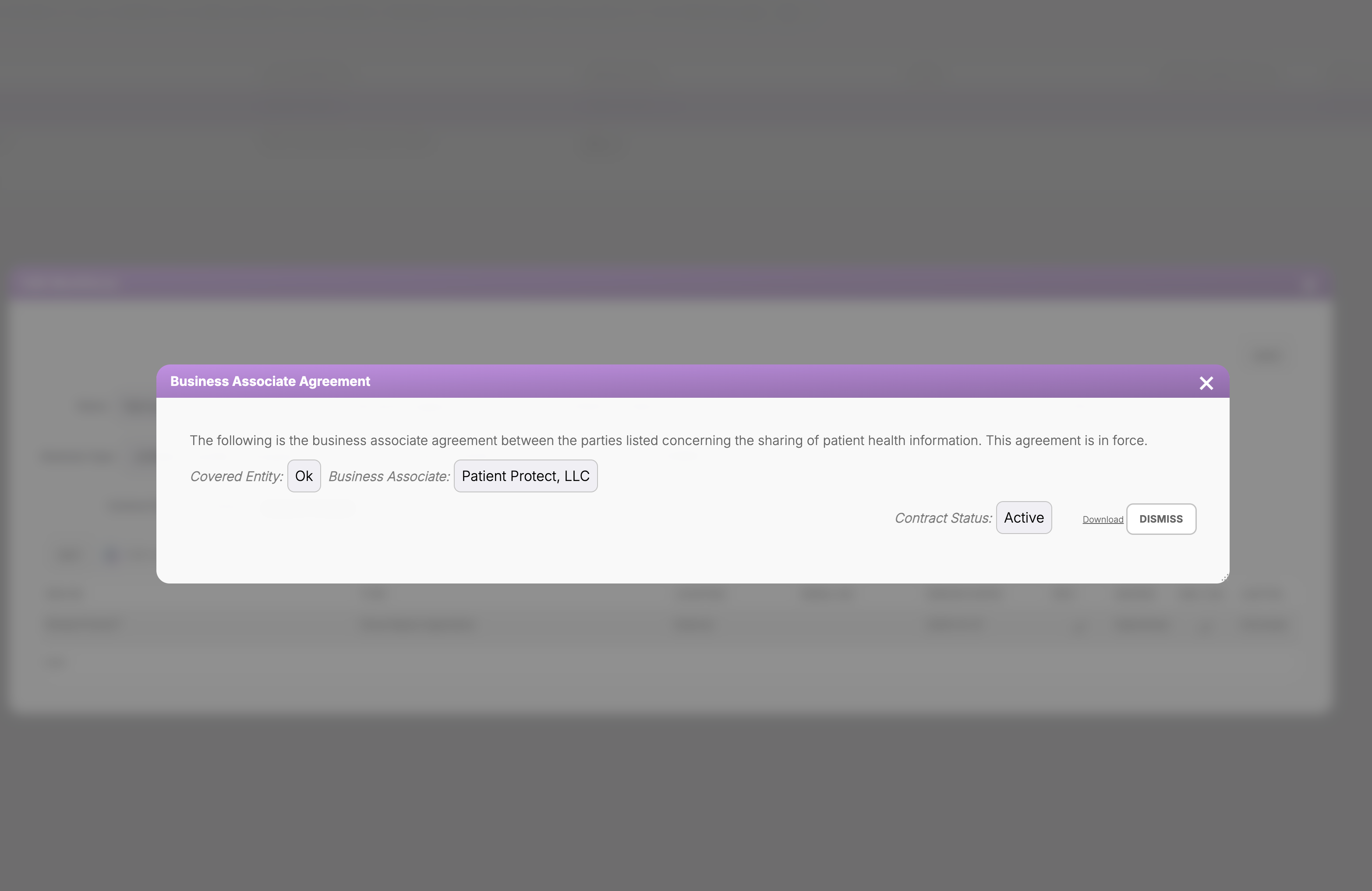
A vendor is covered either by a Patient Protect BAA executed inside the platform or by a third-party agreement you upload — a distinction that matters because most practices already hold a folder of the second kind. Both produce the same record and the same state, so the list answers the question uniformly rather than splitting into “ours” and “everything else”.
The record is what the agreement says.
The agreement is generated from your current organizational data rather than served as a cached PDF, and it is readable from the vendor record with its status beside it. When someone asks whether a BAA is in force with a particular vendor, the answer is a field, not an archaeology exercise in a shared drive.
Expiration is a date the system holds, not one you remember.
BAAs expire, and the failure is almost never a decision — it is that the renewal date lived in one person's calendar and that person left. Expiration alerts are raised from the record itself, and an approaching or lapsed agreement becomes a BAA-coded item in Compliance Advice, so it arrives in the same queue as the rest of the work rather than in a separate inbox nobody reads.
Vendors that are also practices.
Some of the offices you exchange information with run Patient Protect themselves. Where both sides are on the platform the relationship is recorded on both, which removes the usual asymmetry where one party believes an agreement exists and the other has never seen it.
What this does not do.
It does not scan a vendor's security, rate their controls, or watch their infrastructure — nobody outside a vendor's network can, and a product that claims to is describing a questionnaire. “Scanner” is a legacy label. This governs the agreements you hold and the ePHI those agreements do or do not cover. A signed BAA is a contract, not evidence that a vendor is secure, and the two are worth keeping separate in your head.
Who this is for
Built for the practices that need it most.
Practices with more than five vendors.
Most independent practices have between 5 and 20 business associates — billing services, transcription, IT vendors, EHR hosting, secure messaging providers, lab interfaces. Tracking these manually fails by month three. The Scanner is the operational alternative.
Practices that have inherited vendor relationships.
Practice acquisitions and changes-of-hands often arrive with a folder of BAAs of unknown vintage. The Scanner is the import flow plus the audit — uploading the existing BAAs creates the records, then the platform tracks them forward.
Practices that have ever asked “do we have a BAA with them?”
The question itself is the symptom. The Scanner removes the question.
What you get
6 outcomes you’ll feel in week one.
Every vendor you have recorded.
It tracks what you enter; it cannot discover a vendor nobody added.
Expiration is a field, not a memory.
The date lives on the record and surfaces as work when it approaches.
Messaging gated on BAA state.
No agreement in force, no Secure Messaging exchange with that vendor.
Yours or theirs.
An agreement you upload is tracked the same way as one issued here.
Written to §164.504(e).
The agreement Patient Protect issues is drawn to the required provisions.
One list, six states.
The middle states are the ones that matter, and they are visible.
Does this tell me whether a vendor is secure?
Can I upload the BAAs we already have?
What about subcontractors of our business associates?
How does the platform know when an agreement expires?
Can Patient Protect issue the agreement?
What if a vendor will not sign one?
What it does not do.
- Tracks the relationships a practice records; it cannot discover vendors nobody entered
- No automated scanning of a vendor's security is claimed — the name is a legacy label
- A BAA is a contract about obligations, not evidence that a vendor is well run. Governing agreements and assessing vendor security are different jobs and this is only the first.
Continue exploring
Related features in the platform.
Network
Secure Messaging
Encrypting a message is the part everyone gets right. Knowing whether the person receiving it is covered by an agreement, and refusing to send when they are not, is a different job — and it is the one this channel does.
Learn moreDefense
Security Alerts
The BAA that lapsed while the vendor kept working. The policy nobody adopted. The training assignment that never got made. Conditions do not announce themselves, and the practice that finds out during an investigation found out too late.
Learn moreIntelligence
ePHI Data Flow Mapper
A free tool, in your browser, with no account. Place your systems and vendors, connect what talks to what, and the connections nobody has papered become the ones you are looking at.
Learn moreSix states, one list, and messaging gated on the one that matters.
Most practices enter their existing vendor list in the first hour. The uncomfortable part is usually how many rows come back as none.